


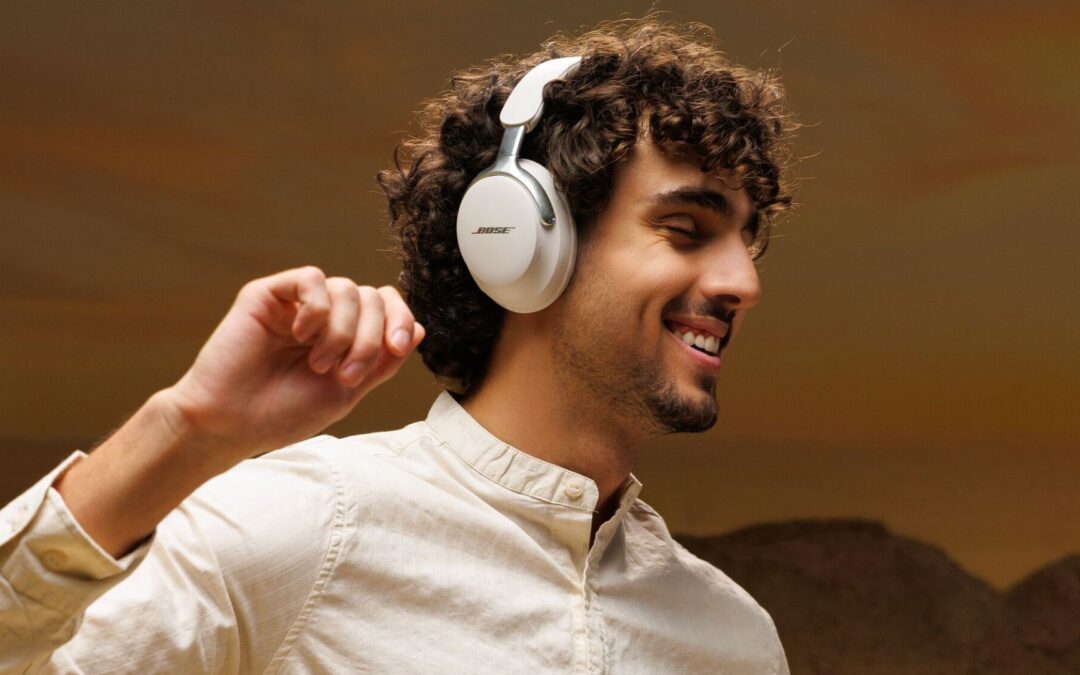
Bluetooth multipoint lets your headphones or earbuds stay connected to two devices at once, such as a phone and a laptop, and switch between them when a call comes in. Several Bose models support it, including the QuietComfort Ultra Headphones, QuietComfort Headphones, QuietComfort Ultra Earbuds, and Ultra Open Earbuds.
If you’ve ever paused a video call on your laptop just to reconnect your headphones to your phone, multipoint is the fix. It’s been around for years, but a lot of people never switch it on. Here’s what it does, how to turn it on, and which Bose models can do it. If you’re still setting up a new pair, start with our guide to connecting your wireless headphones and earbuds.
Everything You Need to Know About Bluetooth Multipoint Headphones & Earbuds
What Is Bluetooth Multipoint?
Bluetooth multipoint is a feature that lets one pair of headphones or earbuds connect to two source devices at the same time. Standard Bluetooth holds one connection at a time. With multipoint, the headphones keep both devices linked, so you don’t need to disconnect one to use the other.
Most people use it for a phone and a computer: music or a meeting on the laptop, with the phone ready for calls. You can also pair two phones, like a personal phone and a work phone.
- Two devices connected at once is the standard for Bose headphones and earbuds
- Common pairings are phone and laptop, phone and tablet, or two phones
- Both devices stay on standby, but only one plays audio at a time
- Not every pair of Bluetooth headphones has it, so check the product details first
How to Turn On Multipoint on Bose Headphones and Earbuds
Turning it on takes about a minute in the Bose app:
- Update your headphones or earbuds to the latest firmware in the Bose app.
- Connect your headphones to the Bose app and open Settings.
- Tap Bluetooth Connections, then switch on the multipoint toggle.
- Pair your second device from its Bluetooth menu, so both are connected.
- To switch audio, pause playback on one device and press play on the other, or pick the device in the Bose app.
On the QuietComfort Ultra Earbuds, you can also set a Switch Devices shortcut on an earbud button and press and hold it to cycle through your paired devices. With multipoint off, only one device can connect at a time, and notifications from the second device won’t interrupt your audio.
How Multipoint Handles Calls, Alerts, and Music
You generally can’t stream audio from two devices at the same time, so multipoint follows a priority order. Phone calls come first, then alarms and notifications, then music, podcasts, and video. If you’re watching a video on your laptop and your phone rings, the headphones switch to the call, then return to the video when you hang up.
That order is why the feature is so useful for work. You can stay on a long video meeting, answer a quick call on your phone without touching your settings, and go right back. For Bose, calls from both connected devices reach your headphones even when only one device is playing audio.
How Multipoint Differs From Standard Bluetooth
With standard Bluetooth, switching devices is a manual job. Say you’re listening to a podcast on your laptop and your phone starts ringing. You’d need to pause the podcast, disconnect from the laptop, connect to the phone, and hope you reach the call in time. Most of the time you won’t.
With multipoint, the headphones are already connected to both. They move to the call on their own and drop back to your podcast afterward. In Metro Manila, that matters on a commute or in a co-working space, where a missed call can mean a missed client. IBPAP says the Philippine IT-BPM industry now employs about 1.9 million workers, and many of them spend their day moving between a laptop and a phone.
The Best Bluetooth Multipoint Earbuds & Headphones
These are the 7 best wireless headphones and earbuds we’ve confirmed support multipoint:
| Model | Type | Devices connected at once | Notes |
|---|---|---|---|
| QuietComfort Ultra Headphones (2nd Gen) | Over-ear | 2 | Turn on in the Bose app |
| QuietComfort Ultra Headphones | Over-ear | 2 | Turn on in the Bose app |
| QuietComfort Headphones (2nd Gen) | Over-ear | 2 | Bluetooth 5.4 with multipoint |
| QuietComfort Headphones | Over-ear | 2 | Turn on in the Bose app |
| QuietComfort Ultra Earbuds (2nd Gen) | In-ear | 2 | Turn on in the Bose app |
| QuietComfort Ultra Earbuds | In-ear | 2 | Needs firmware 4.0.20 or later |
| Ultra Open Earbuds | Open-ear | 2 | Needs firmware 4.0.22 or later |
Multipoint Bluetooth Speakers for Bose
Multipoint isn’t only for headphones. Reviews report that the SoundLink Flex (2nd Gen) lets two devices stay connected, which is handy if you and a friend want to take turns playing music. It’s a different feature from linking two speakers together, which we cover in our guide to connecting multiple Bose Bluetooth speakers.
What to Know Before You Rely on Multipoint
Multipoint is simple to use, but a few limits are worth knowing:
- Two devices at once. Bose multipoint connects two sources, not three or more.
- One audio stream at a time. You can’t play music from both devices together. The headphones play whichever one you started last, unless a call comes in.
- Calls from both devices ring through. Even if only one is playing audio, both phones can still interrupt it.
- It’s built into the headphones. Multipoint is a feature of the headphones or earbuds themselves. Before you buy a multipoint Bluetooth adapter or receiver, check that the headphones you plan to use actually support the feature.
- Firmware matters on earbuds. Update first if switching doesn’t work.
Related reading
For help getting connected, see how to connect Bluetooth headphones to your PC and our Bose headphones and earbuds setup guide. If you’re still choosing, our list of the 5 best noise cancelling earbuds and headphones and our guide to features to look for in wireless headphones can help.
Shop Headphones & Earbuds at Bose.ph
Ready to stop reconnecting? Browse our Bose noise cancelling headphones and earbuds and pick a pair that connects to your phone and laptop at the same time. Free Shipping Nationwide | 100% Original | Authorized Distributor
Written by the Bose PH product content team, who evaluate audio hardware firsthand across home, work, and travel use cases before publishing on bose.ph.